Travel Router vs Mobile Hotspot: Which Is Better for Remote Work?
Hotel Wi-Fi works until it doesn’t. Your phone hotspot works until the signal weakens, the battery starts disappearing, or you hit your high-speed data allowance halfway through a client call.
A travel router and a mobile hotspot both get mentioned as the fix, and they are constantly confused with each other. They solve different parts of the problem. One manages an internet connection you already have. The other creates a Wi-Fi network using a cellular data connection.
Choosing between them starts with a single question: will you usually have internet available where you work, or do you need to bring the connection with you?
The Short Answer
Choose a travel router when usable Wi-Fi or Ethernet is already available where you work, and you want an easier, more consistent way to connect and manage several devices.
Choose a mobile hotspot when you need your own cellular internet instead of depending on hotel, rental, or coworking Wi-Fi.
If you travel for work regularly, carrying both is the most flexible setup, and the two devices work together rather than competing. More on that below.
Travel Router vs Mobile Hotspot: Quick Comparison
| Travel Router | Mobile Hotspot | |
|---|---|---|
| Internet source | Existing Wi-Fi, Ethernet, or phone tethering | Cellular network |
| Creates internet independently | No | Yes, where there is cell service |
| Best environment | Hotels, rentals, coworking spaces | Weak, unreliable, or absent Wi-Fi |
| Cellular plan required | Usually no | Yes |
| Multiple devices | Excellent | Yes |
| VPN capability | Common on mid and upper models | Varies by device |
| Battery | Often powered by USB power bank | Usually built in |
| Ongoing data cost | Depends on the source connection | Almost always |
| Core job | Managing a connection | Providing a connection |
What Is a Travel Router?
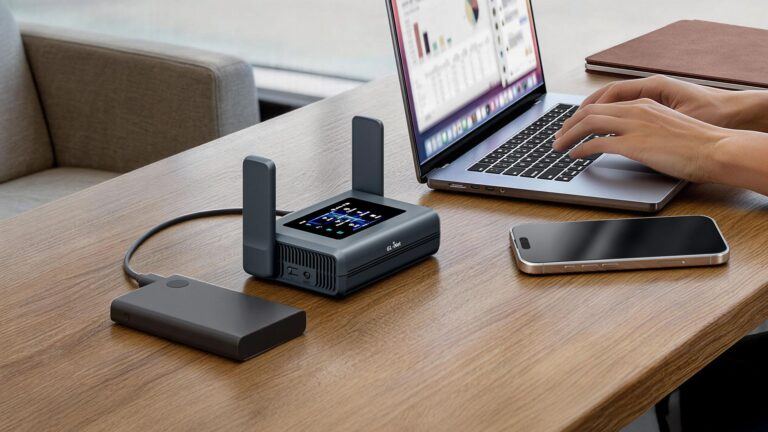
A travel router is a pocket-sized router that sits between a network you don’t control and the devices you do.
The chain looks like this:
Hotel Wi-Fi or Ethernet → travel router → laptop, phone, tablet, work headset
You log into the hotel network once, on the router. Every device behind it then joins your own private network instead of the venue’s. Your laptop sees the same Wi-Fi name in Denver that it saw in Dallas, so it reconnects automatically, and you stop re-entering room numbers and last names into captive portal pages on five devices.
A travel router does not have its own cellular modem. It cannot connect to a cell tower on its own, and it cannot manufacture internet in a place with no connection available. It also cannot repair slow hotel bandwidth. If the property is delivering 8 Mbps to your room, a router will not turn that into 80. What a travel router does is make an existing internet connection easier to manage, more consistent, and more private across your devices.
Most models support several upstream options: Wi-Fi repeating, a wired Ethernet port, and USB tethering from a phone. That last one matters, and it is the reason these two devices overlap less than people assume.
For a solopreneur or remote employee, a portable router for remote work earns its place through repetition. Same network name, same saved passwords, same VPN configuration, different city.
What Is a Mobile Hotspot?
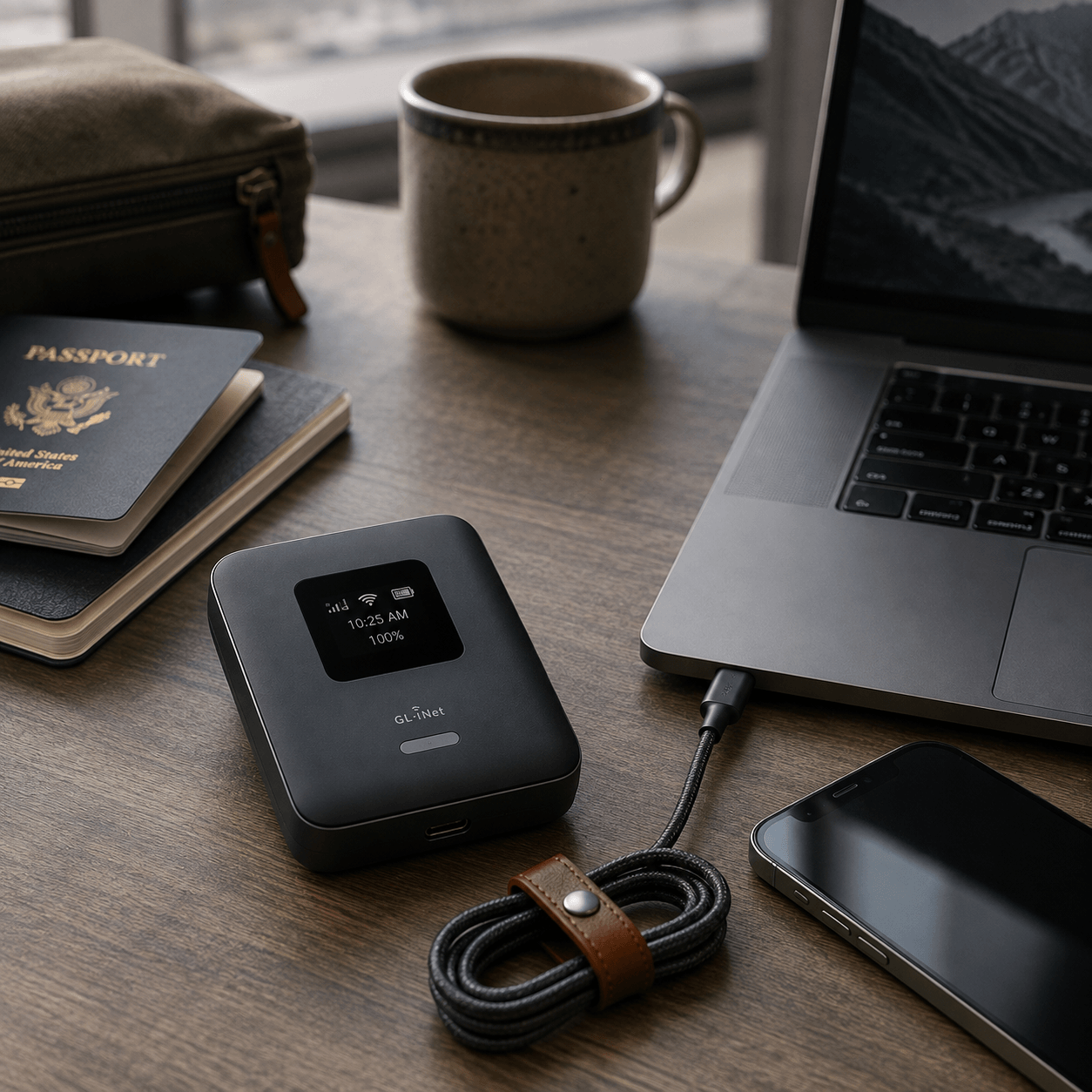
A mobile hotspot, often called a MiFi, is a self-contained device with its own cellular modem, SIM or eSIM, Wi-Fi radio, and battery.
The chain looks like this:
Cell tower → mobile hotspot → laptop, phone, tablet
A mobile hotspot creates a Wi-Fi network using an available cellular data connection. That qualifier matters. A hotspot is not magic internet. It still needs usable cell service where you are standing. No signal means no connection, in exactly the way your phone has no connection.
Where a dedicated hotspot earns its keep is when cellular is your primary work connection rather than your emergency backup: long stretches in rentals with unusable Wi-Fi, job sites, RV and road trip work, rural areas, or any situation where you would rather not trust a network you cannot see the router for.
Travel Router vs Phone Hotspot
This is the question most people are actually asking. Your phone already shares its connection, so why buy anything?
Three devices, three different jobs:
- Travel router. Takes another connection and turns it into your portable network.
- Dedicated mobile hotspot. Uses cellular data to create a Wi-Fi network.
- Phone hotspot. Uses your phone’s cellular connection and shares it with your other devices.
Your phone hotspot is genuinely enough for a lot of people. If you need cellular internet twice a month for an hour, buying a second device with a second data line is hard to justify.
The case for a dedicated hotspot comes down to separation. Your phone stays free for calls and two-factor codes instead of being pinned to a windowsill. Battery drain happens on a device whose only job is battery drain. Sustained sessions are what the hardware is built for, and depending on the model, the antenna and network support may hold a weak signal better than a phone will. None of those advantages are universal, and a newer flagship phone on a good plan can outperform an aging hotspot. Check the specific devices rather than assuming the dedicated one wins.
A useful way to sort it:
- Occasional backup: your phone hotspot is probably enough.
- Regular cellular work connection: a dedicated hotspot starts to make sense.
- Regular hotel, rental, or coworking Wi-Fi: a travel router is the better first purchase.
Which Is More Reliable for Remote Work?
Reliability depends almost entirely on where you work, not on which device is technically better.
In hotels, rentals, and coworking spaces, the internet exists but the experience is poor. Captive portals time you out. Device limits force you to choose between your laptop and your phone. Every new property means new credentials on every device. A travel router removes most of that friction, though it remains bound by whatever the venue’s upstream connection can actually deliver.
On the road, in rural areas, and anywhere Wi-Fi is absent or untrustworthy, a travel router alone has nothing to work with. A cellular connection becomes the reliable option, assuming coverage exists. Check carrier coverage maps for the areas you actually work in before you commit, and treat coverage maps as optimistic.
There is a third scenario worth naming. In a hotel with unusable Wi-Fi, a travel router is still useful, because it can take a tethered phone or hotspot as its upstream source and keep your devices on the same network they were on an hour earlier.
Which Is Better for Multiple Devices?
Both share a connection with multiple devices. The difference is in how the network behaves.
A travel router gives you a stable, named network that follows you. Devices that struggle with hotel login pages, including streaming sticks, smart displays, and some work peripherals, connect to your private SSID instead of fighting a portal they cannot render. Printers, backup drives, and local file transfers work on your own subnet. Power comes from USB, so a small power bank keeps it running.
A mobile hotspot also handles several devices, usually with a stated device limit, and every one of them is consuming the same cellular allowance. Four devices syncing cloud storage on a hotspot will burn through data considerably faster than one laptop doing email. Battery life is finite and shared across everything connected.
If you travel with more than two or three connected devices, or with a partner or teammate, the router is the piece that makes the setup feel like a network instead of a workaround.
Travel Router vs Mobile Hotspot Cost
The cost structures are shaped differently, which matters more than the sticker price.
Travel router
- One-time hardware purchase
- Usually rides on internet you are already paying for, whether that is a hotel rate, a coworking membership, or a rental listing
- Possible extras depending on setup, such as a VPN subscription, or an eSIM or data plan if you pair it with a cellular source
Mobile hotspot
- Hardware purchase
- Cellular service or a data plan, which is recurring
- A high-speed hotspot allowance that varies by carrier and plan tier
- Reduced speeds once that allowance is used
That last pair is where remote workers get caught. Hotspot data is often treated differently from phone data on the same plan, and the allowance on a mid-tier plan can be far smaller than people expect before speeds drop. Some base-tier plans still cap high-speed hotspot data at only a few gigabytes.
Carrier terms change frequently, and two major carriers have revised their hotspot allowances within the past two years. Check your current plan’s specific hotspot allowance and post-limit speed on your carrier’s site before you buy a hotspot for work. Look at your exact plan tier, not just the carrier name.
Which Is Safer on the Road?
Both improve on the default habit of joining an open network directly with your laptop, and they do it in different ways.
A travel router puts your devices behind your own local network and firewall instead of connecting each one individually to the venue network. Compatible models can also run a VPN at the router level, which covers everything connected through it, including devices that cannot run VPN software themselves. That is a meaningful improvement in how your devices are exposed on a shared network. It does not automatically encrypt your upstream connection simply because a router is in the chain. The VPN is what does that work, so it has to be configured and running.
A mobile hotspot avoids the public network entirely, because the upstream connection is cellular rather than the café, airport, or hotel Wi-Fi. That is a real advantage in venues you have no reason to trust.
If you handle client data, contracts, or anything under a company security policy, this section may settle the travel router vs mobile hotspot for remote work question on its own. Read your employer’s remote access requirements first, since some require a wired connection or a specific VPN configuration.
Can You Use a Travel Router and Mobile Hotspot Together?
Yes, and this is where the pairing gets genuinely useful.
Normal situation
Hotel Wi-Fi → travel router → laptop + phone + tablet
Hotel Wi-Fi fails
Mobile hotspot or phone → travel router → laptop + phone + tablet
Your devices stay connected to the same portable network while only the upstream connection changes. You swap the source, not the whole setup. No reconnecting five devices, no re-entering passwords, no VPN reconfiguration, no interrupted call while you rebuild your network from scratch.
Viewed this way, these products are not really competitors. The router manages and distributes. The hotspot supplies. A remote worker who travels constantly generally ends up with both, and the router is usually the first purchase, because it improves every connection you encounter rather than only the ones where Wi-Fi has failed.
Which One Should You Choose?
| Your situation | Better starting point |
|---|---|
| Mostly hotels | Travel router |
| Mostly coworking spaces | Travel router |
| Frequent road trips | Mobile hotspot |
| Weak or absent public Wi-Fi | Mobile hotspot |
| Occasional backup only | Phone hotspot |
| Several devices or traveling with others | Travel router |
| Cellular is your primary internet | Mobile hotspot |
| Maximum flexibility | Both |
Final Verdict
In the travel router vs mobile hotspot decision for remote work, the honest answer is that they answer different questions.
If internet already exists where you work and the problem is managing it, securing it, and not fighting a login page in every new city, a travel router is the better buy and the better first buy. If internet does not reliably exist where you work, no router will create it, and a mobile hotspot is the device that solves your actual problem.
Most people reading this are closer to the first case than they think. Start with the router, keep your phone hotspot as the backup upstream, and add a dedicated hotspot only when you can point to specific weeks where cellular was doing the heavy lifting.
Once you know which category fits, the next step is working out whether the router half of that pairing belongs in your bag at all. Start with [whether you need a travel router for hotel Wi-Fi](/do-you-need-a-travel-router-for-hotel-wifi/), then see [how to build a portable office setup for remote work](/portable-office-setup-for-remote-work/) for how connectivity sits alongside power, audio, and ergonomics.
Frequently Asked Questions
Do I need a travel router if I already have a phone hotspot?
Not necessarily, and they are not interchangeable. A phone hotspot supplies a cellular connection. A travel router manages a connection you already have and shares it across your devices. Many people use both together, tethering the phone to the router so the devices behind it never notice the source changed.
Can a travel router make slow hotel Wi-Fi faster?
No. A travel router cannot exceed the bandwidth the property is delivering to your room. What it improves is connection management, device handling, network consistency, and the option to run a VPN at the router level.
Does a travel router work without any internet connection?
Not as an internet source. Without an upstream Wi-Fi, Ethernet, or tethered connection, it can still create a local network for file transfers between your devices, but nothing will reach the internet.
Which is better for international travel?
It depends on what you can get once you land. A travel router paired with a local eSIM or an inexpensive local data plan through a tethered phone is a common setup. A dedicated hotspot works well if it supports the bands and carriers where you’re going. Confirm band compatibility and roaming terms before you fly, not after.
—
Related Guides
- [Do You Need a Travel Router for Hotel WiFi? A Remote Worker’s Guide](/do-you-need-a-travel-router-for-hotel-wifi/)
- [How to Build a Portable Office Setup for Remote Work](/portable-office-setup-for-remote-work/)
- [Best Portable Monitor for Working From Hotels: Top Picks for Remote Workers](/best-portable-monitor-working-from-hotels/)